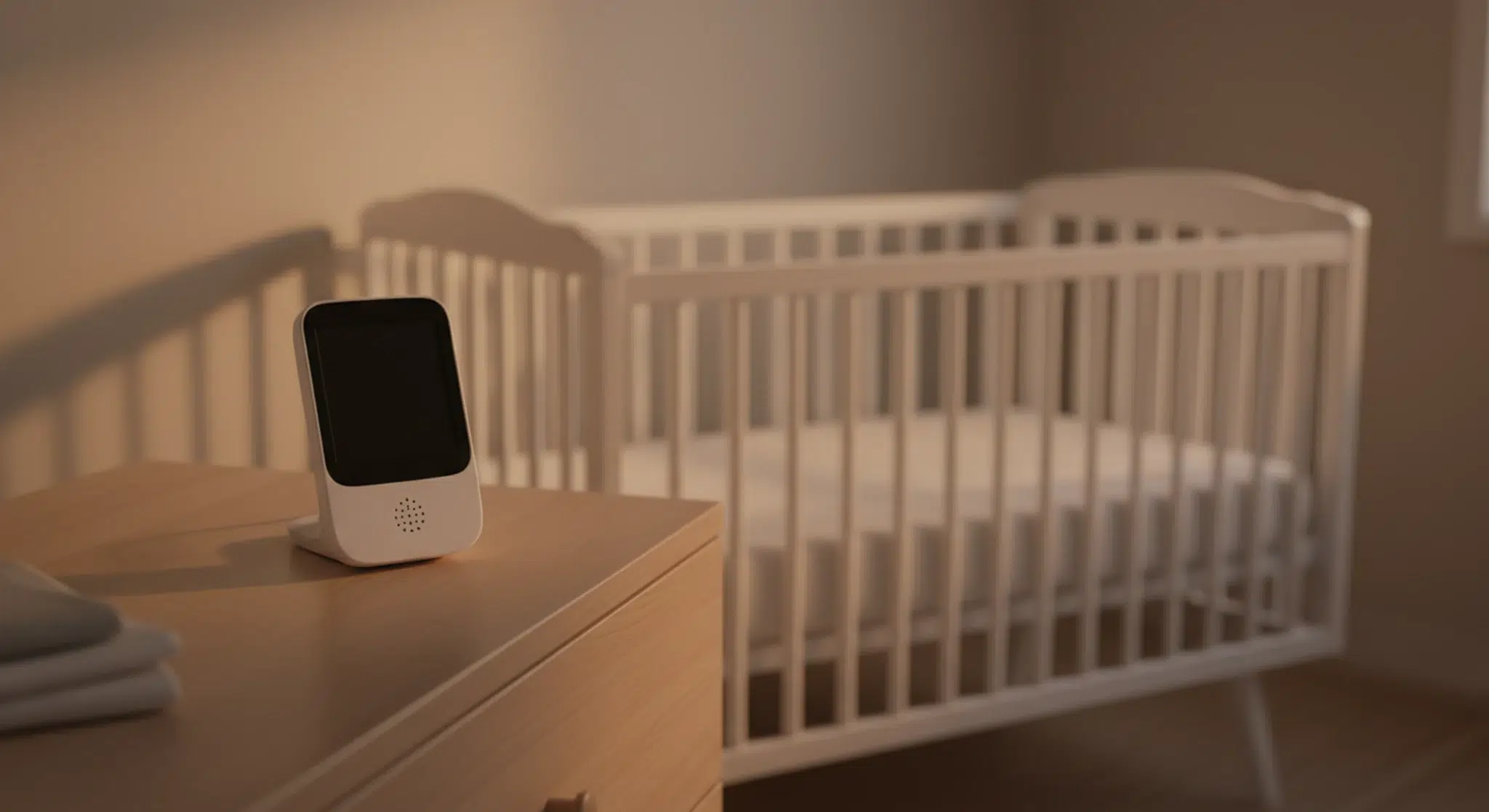
The best baby monitors for most families are video monitors with their own parent screen that work without Wi-Fi, such as the Infant Optics DXR-8 PRO, or hybrids like the eufy E21, because they are simple, private and keep working when the internet drops.
The best baby monitors for most homes are local or hybrid video monitors, because they show you your baby without depending on an app, an account or a monthly fee. Wi-Fi cameras such as Nanit, Owlet Dream Sight, Miku and CuboAi make more sense if you want to check in from your phone or away from home, and a simple audio monitor is enough for many families who room-share.
Below we compare 10 current baby monitors across those types using the makers’ own specifications, then cover how to choose, how to secure a Wi-Fi camera, the CPSC cord rule every parent should know, and what the AAP says about smart socks and breathing monitors.
Key Takeaways
A non-Wi-Fi or hybrid video monitor suits most families: private, simple and no subscription.
Pick a Wi-Fi camera only if you need remote viewing, and secure it with a strong password, two-factor sign-in and updates.
Check what is free and what needs a paid plan before you buy a smart camera.
The CPSC says to place monitor cords at least three feet from any part of the crib or other sleep space.
The AAP says not to use home cardiorespiratory monitors as a way to reduce the risk of SIDS. A monitor is a convenience, not a safety device.
As an Amazon Associate, Betteroo earns from qualifying purchases.
Table of Contents
Best Baby Monitors at a Glance
Quick Answer
For most families, the best baby monitor is a video monitor with its own parent screen that works without Wi-Fi, such as the Infant Optics DXR-8 PRO, or a hybrid like the eufy Baby Monitor E21 or C10 that gives you a local screen and an optional app. Pick a Wi-Fi camera (Nanit Pro, Owlet Dream Sight, Miku Pro, CuboAi Smart Baby Monitor 3) if you want to check in from your phone or away from home, and an audio monitor such as the VTech DM221 if you only need to hear your baby.
How we chose: we compared manufacturer specifications on each brand’s own product page in October 2026, along with safety guidance from the American Academy of Pediatrics (AAP), the U.S. Consumer Product Safety Commission (CPSC), the Federal Trade Commission (FTC) and the Cybersecurity and Infrastructure Security Agency (CISA). We did not test units in a lab. All were listed for sale on the maker’s site when we checked; check the current price before you buy.
Baby monitors compared by manufacturer specifications, checked October 2026.
Best Wi-Fi Baby Monitor Cameras
A Wi-Fi camera streams to a phone app, so you can check in from anywhere and share the feed with a caregiver. The tradeoffs: you need reliable internet, your phone becomes the parent screen, and some features sit behind a paid plan.
Nanit Pro: Nanit lists 1080p HD live video, two-way audio, sound and motion notifications and temperature and humidity readings with no plan required. Paid Insights plans add features such as saved video history and sleep analytics, and Nanit says sleep tracking needs the overhead Wall Mount or the Floor Stand rather than the portable Flex Stand. Nanit states video streams use 256-bit AES encryption. More in Nanit vs Betteroo.
Owlet Dream Sight: Owlet lists 2K HD video, automatic night vision, a 130 degree wide-angle lens with 4x digital zoom, two-way talk, cry, sound and motion alerts, and room temperature and humidity. Owlet says live video and those alerts need no subscription; its optional Owlet360 plan adds extended video storage and a daily morning report. It runs on the Owlet Dream App (no separate parent screen) and includes a wall mounting kit and cable guards. Owlet cites 256-bit encryption and an SGS Cybersecurity Mark.
Miku Pro: Miku lists 1080p HD video, night vision, 2.4 and 5 GHz Wi-Fi support, and contact-free breathing tracking it calls SensorFusion, with no wearable. Its product page lists a paid monthly Mikucare Membership and describes it as required in one place and optional in another, so confirm exactly what works without it before you buy. Miku describes a tamper-resistant crypto chip with dual encryption and states that Miku is not a medical device.
CuboAi Smart Baby Monitor 3: CuboAi lists 2.5K QHD video, AI alerts it says cover face covering and rollovers, night vision, two-way audio and temperature and humidity readings, with a choice of a Floor Stand Set or a Wall Mount Set. Home Wi-Fi is required, and the product page says one year of CuboAi Care Premium is included. CuboAi cites CTIA cybersecurity certification. Treat any alert as an extra, never as a replacement for a safe sleep space.
Best Non-Wi-Fi and Hybrid Video Baby Monitors
A non-Wi-Fi monitor links the camera straight to a handheld parent unit: no router, no cloud, no app, and it keeps working when the internet drops. You cannot check in from outside the house, though. Hybrids try to give you both.
Infant Optics DXR-8 PRO: Infant Optics lists a 5 inch HD screen, automatic infrared night vision with no visible red glow, two-way talk, interchangeable lenses and Active Noise Reduction that it says filters out white noise machines and fans. It uses what the maker calls a Direct Private Signal (2nd Gen FHSS) instead of Wi-Fi: “No router, no cloud, no subscription,” per the product page. Stated range is up to 1,000 feet line of sight, the battery is user-replaceable, and the system supports up to 4 cameras.
eufy Baby Monitor E21: eufy lists a 4K UHD camera with 330 degree pan, 60 degree tilt and 8x zoom, infrared night vision and a parent monitor that connects to the camera directly, “with or without Wi-Fi.” If the direct signal weakens, eufy says Smart Connect can route through your router, and a switch on the camera turns Wi-Fi off for local-only use. The camera has a built-in battery that eufy rates at about 9 hours, or about 5.5 hours with night vision. eufy states RSA-1024 and AES-128 encryption.
eufy Baby Monitor C10: a newer, lower-cost hybrid. eufy lists a 2K camera with 351 degree pan, 60 degree tilt and 4x zoom, a local feed without Wi-Fi plus remote access through the app, and a Wi-Fi off switch. eufy rates the parent screen at up to 12 hours on a 5,000mAh battery (based on its internal lab testing). The camera runs on USB-C power, and recordings are stored locally on a microSD card that is sold separately.
VTech 819 Max: for parents who want a big screen and no app at all. VTech lists a 7 inch display at 480p, no Wi-Fi, automatic infrared night vision, a talk-back intercom and a 5,000mAh battery rated for up to 12 hours of video or up to 18 hours of audio only. VTech calls it long range but does not print a distance for this model.
Running a fan or a white noise machine in the nursery? A monitor with noise reduction or a visual sound meter on the parent unit helps you tell real crying from background hum.
Best Baby Monitors on a Budget, Plus Audio-Only
You do not need 4K video or an app to hear your baby wake. These two VTech models cover the basics without Wi-Fi or a subscription.
VTech VM4263 (budget video pick): VTech lists a 3.5 inch screen at 480p, a camera you can pan, tilt and zoom from the parent unit, automatic infrared night vision, a talk-back intercom, a temperature sensor, up to 1,000 feet of range and up to 19 hours of battery life. It does not use Wi-Fi. The small screen is the main compromise.
VTech DM221 (audio only): VTech lists Digital DECT 6.0 transmission, up to 1,000 feet of range, a rechargeable parent unit with up to 8 hours of cord-free use, a two-way talk-back intercom, a night light on the baby unit, a vibrating sound alert and a five-level sound indicator that shows noise even when the parent unit is muted.
An audio monitor is often all you need for a baby who sleeps in your room, or as a second, cheaper unit for naps at a grandparent’s house. Building your list? Our baby must-haves guide covers what is worth buying early and what can wait.
A monitor shows the wake-ups. A plan helps fix them.
Our free two-minute quiz builds a gentle, personalized sleep plan for your baby or toddler.
A baby unit sends sound to a handheld parent unit, usually over DECT or another local radio signal
Small homes, room-sharing, tight budgets, travel
No picture, so you cannot see whether a sound needs you
Local video monitor (non-Wi-Fi)
The camera links directly to a dedicated parent screen
Privacy, no app, works during internet outages
Range limits through walls, no viewing from outside home
Wi-Fi app camera
The camera streams over your home internet to a phone app
Checking in from anywhere, sharing with caregivers, saved clips
Needs strong Wi-Fi, account security, possible subscription fees
Hybrid monitor
A local parent screen plus optional app access
Families who want both, with a fallback when Wi-Fi drops
More settings to manage; check which features need Wi-Fi
Wearables and sensor pads
A sock, band or under-mattress pad tracks movement, pulse or oxygen readings
Parents who want data (see the AAP guidance below)
Not a way to reduce SIDS risk, per the AAP; false alarms are possible
The main types of baby monitors and their tradeoffs.
Most baby monitor cameras now include infrared night vision, two-way talk and a room temperature reading. Smart cameras add motion, cry or breathing-motion alerts and sleep reports. None of those features changes the basics of a safe sleep environment, which matter far more than any gadget.
How to Choose a Baby Monitor
Start with one question: do you need to check on your baby from outside your home? If not, a local or hybrid monitor keeps things simple. If yes, a Wi-Fi camera makes sense. Then compare these points on the manufacturer’s spec sheet:
Range: printed ranges such as “up to 1,000 feet” are usually measured in open space or line of sight. Walls, floors and appliances cut that down, so in a large or multistory home, test the signal at the far end of the house during the return window.
Battery: parent units list hours of screen time, from about 8 hours (VTech DM221) to 19 hours (VTech VM4263) among our picks. If your parent unit has a shorter battery, plan to keep it on its charger overnight.
Night vision: nearly every camera here lists infrared night vision. Infant Optics and eufy say theirs avoid a visible red glow, which some parents prefer in a dark nursery.
Screen size or app: a dedicated screen means your phone stays free (and charged). An app means one less device but more notifications on your phone.
Subscription costs: read what is free and what is paid before you buy. Nanit, Owlet and eufy list live viewing without a plan; CuboAi includes one year of its premium plan; Miku lists a monthly membership. Add a year or two of fees to the camera price to compare honestly.
Privacy and security: look for stated encryption, two-factor sign-in and regular firmware updates. A non-Wi-Fi monitor avoids cloud accounts altogether.
More than one child: Infant Optics lists support for up to 4 cameras, and eufy sells an add-on camera for the E21, so check how many cameras a system supports and how it shows them.
Any camera that connects to the internet can be a target if it is not secured. The FTC’s consumer advice on home cameras names baby monitors directly. Its steps, with CISA’s matching advice:
Research before you buy. The FTC suggests looking for a camera with built-in encryption so others cannot see your account details, livestreams or saved videos.
Change the default login. The FTC says not to use the camera’s default username and password, and to choose a strong password that would be hard for a stranger to guess. CISA also recommends strong passwords and a password manager.
Turn on two-factor authentication for the camera’s cloud account if it is offered. CISA’s Secure Our World campaign lists turning on multifactor authentication as one of four essential steps.
Keep firmware and the app updated. The FTC notes that most cameras need occasional software updates to fix security bugs, and suggests signing up with the manufacturer to get them automatically. CISA’s advice is simple: don’t delay software updates.
Secure your home Wi-Fi. The FTC recommends a strong router password, checking that the router’s firewall is on, and making sure your wireless network is encrypted with WPA3 or WPA2.
Limit remote viewing. The FTC suggests looking for a camera that lets you disable remote viewing. Remove shared access for anyone who no longer needs it.
Prefer to skip all of this? A non-Wi-Fi monitor never touches your router or a cloud account.
Baby Monitor Cord Safety
Monitor cords are a real strangulation hazard. The CPSC reported that seven infants and toddlers, aged 6 to 20 months, died after being strangled in baby monitor cords between 2002 and the time of its warning, and three more nearly strangled. Its advice is direct: “Place cords at least three feet away from any part of the crib, bassinet, play yard or other safe sleep environment.”
Mount the camera on a wall or a floor stand well out of reach, never on or in the crib, crib rail or bassinet.
Route the cord along the wall and use the cord covers or cable guards that come with many cameras, while keeping the whole cord at least three feet from every part of the sleep space.
Recheck placement as your baby grows. A baby who pulls to stand can reach farther than you think.
Keep the parent unit and its charging cable away from the sleep space too. The sleep surface itself stays firm and flat with a fitted sheet only (see our best crib mattress guide).
Are Wearable Baby Monitors and Smart Socks Safe?
Smart socks, breathing bands and under-mattress sensor pads promise to track your baby’s breathing, pulse or oxygen levels. Here is what the authorities say:
AAP: in its 2022 safe sleep recommendations, the AAP addresses home cardiorespiratory monitors. Its parent site, HealthyChildren.org, says: “Don’t use home cardiorespiratory monitors as a way to reduce the risk of SIDS,” notes there is no evidence these devices reduce SIDS risk, and says consumer devices, some of them wearable, “don’t have to meet the same requirements as medical devices.” It also advises avoiding products that claim to reduce the risk of SIDS or other sleep-related infant deaths.
FDA and the Owlet Dream Sock: the FDA granted Owlet’s De Novo request for the Dream Sock (DEN220091). Owlet announced the clearance on November 9, 2023. The FDA document describes over-the-counter home use that displays an infant’s pulse rate and oxygen saturation and notifies caregivers when readings move outside a preset range, for infants 1 to 18 months old and 6 to 30 pounds who have not been diagnosed with heart or breathing conditions. The same document states that the Dream Sock “does not detect, diagnose or reduce” SIDS or SUID and “is not a substitute for adult supervision or safe sleep practices.”
In plain words: a wearable can give you readings and alerts, but it does not make sleep safer on its own, and an alert can be a false alarm. If your baby has a medical condition, ask your pediatrician whether a prescribed medical monitor is needed. For the details on one popular sock and how it differs from sleep coaching, see Owlet vs Betteroo. Smart bassinets raise similar questions, which we cover in SNOO vs Betteroo.
Do You Even Need a Baby Monitor?
Not always. The AAP recommends that you share a room with your baby for at least the first 6 months, with your baby in their own crib or bassinet, not in your bed. HealthyChildren.org says room sharing can decrease the risk of SIDS by as much as 50%. If your baby sleeps a few feet from you, you may not need a monitor at night at all (our co-sleeping guide explains the difference between room-sharing and bed-sharing).
A monitor earns its place for naps, for a baby in a separate nursery, or in a larger home. Think of it as a convenience, not a safety device. The things that actually lower risk are free: back to sleep for every sleep, a firm, flat surface, and a bare crib.
A Monitor Shows You the Wake-Ups. Here Is What Helps With Them
A good monitor tells you when your baby is awake; it cannot tell you why, or how to help them settle. Betteroo’s State of Parent and Baby Sleep 2026 (October edition), a survey of 83,901 parents who came to Betteroo for sleep help (not a random sample), found 65% of babies aged 4 to 9 months wake 3 or more times a night. If that sounds like your house, our guide to helping your baby sleep through the night and a free sleep quiz can point you to a plan that fits your baby’s age.
Choose the type first, then the model. A non-Wi-Fi or hybrid video monitor suits most families; a Wi-Fi camera fits if you want to check in from anywhere and are ready to secure the account; an audio monitor covers the basics for less. Whatever you pick, mount it out of reach with every cord at least three feet from the crib, and keep your baby’s sleep space firm, flat and bare.
Frequently Asked Questions
What are the best baby monitors for most families?
For most families, a video monitor with its own screen that works without Wi-Fi, such as the Infant Optics DXR-8 PRO, or a hybrid like the eufy E21 or C10, is the simplest choice. Choose a Wi-Fi camera such as Nanit Pro or Owlet Dream Sight if you want to check on your baby from your phone or from outside the home.
Do I need a Wi-Fi baby monitor?
Only if you want to watch from outside your home or on your phone. A non-Wi-Fi monitor sends video straight to a parent screen, needs no app or account, and keeps working when your internet goes down. A hybrid gives you a local screen plus optional app access, so you can decide later.
Can baby monitors be hacked?
Any camera connected to the internet can be a target if it is poorly secured. The FTC advises changing the default username and password, using a strong password, turning on two-factor authentication if offered, keeping the camera’s software updated, and securing your router with WPA3 or WPA2 encryption. Non-Wi-Fi monitors avoid cloud accounts entirely.
How far should a baby monitor be from the crib?
The CPSC says to place monitor cords at least three feet away from any part of the crib, bassinet, play yard or other sleep space, because cords can strangle infants and toddlers. Mount the camera on a wall or stand out of reach, and never attach it to the crib or put it inside the crib.
Are smart sock baby monitors safe?
The AAP says not to use home cardiorespiratory monitors as a way to reduce the risk of SIDS, because there is no evidence they do. The FDA cleared the Owlet Dream Sock for showing pulse and oxygen readings, but its FDA document says it does not reduce SIDS and is not a substitute for safe sleep practices.
Which baby monitor has the best range?
Among our picks, the Infant Optics DXR-8 PRO, VTech VM4263 and VTech DM221 each list up to 1,000 feet of range, per their makers. Stated ranges are usually measured in open space, so walls and floors shorten them. Test any monitor at the farthest point of your home before the return window closes.
Gentle changes, peaceful nights.
Betteroo builds a personalized sleep plan for your baby or toddler. Take the free two-minute quiz to get started.
Moon RY, Carlin RF, Hand I; AAP Task Force on SIDS. Sleep-Related Infant Deaths: Updated 2022 Recommendations for Reducing Infant Deaths in the Sleep Environment. Pediatrics. 2022. https://pubmed.ncbi.nlm.nih.gov/35726558/