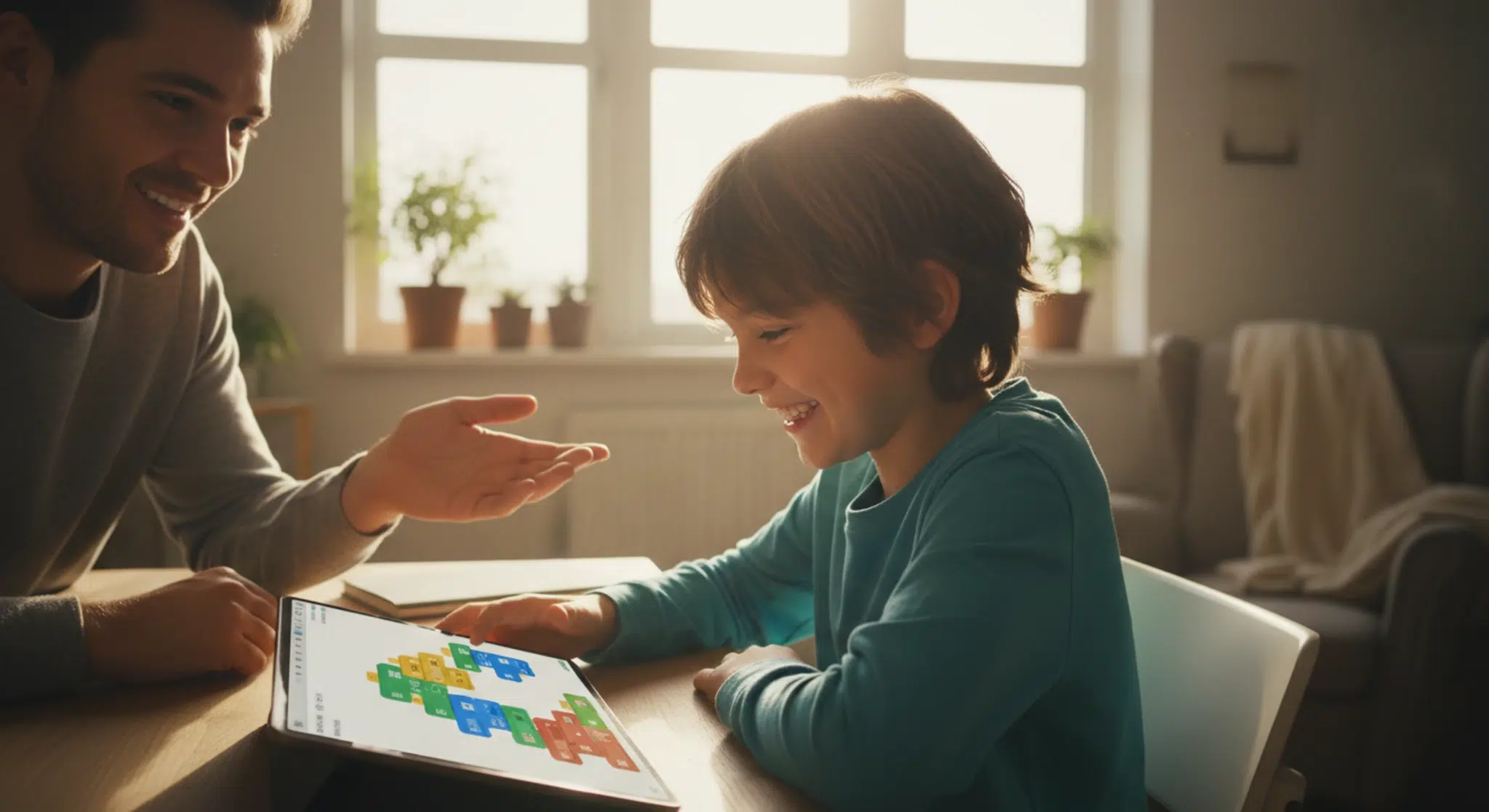
Coding for kids is easier to start than most parents expect: begin with free, picture-based blocks like Scratch, follow your child’s interest over their age, and let logic and creativity grow before any typing begins.
Coding has quietly become one of the most valuable things a child can learn, not because every kid will grow up to write software, but because it teaches a way of thinking that helps everywhere: break a big problem into small steps, test an idea, and fix what does not work. The good news is that getting started costs nothing and requires no expertise from you.
This parent’s guide covers what coding for kids actually means, the right age to begin, the difference between block and text coding, the best free tools to try first, what children really learn from it, and simple ways to support them at home, screens and sleep included.
Key Takeaways
Coding for kids usually starts with visual, drag-and-drop blocks, not typed text.
Many kids can begin around age five to six with picture-based apps, and move to text coding around ten to twelve.
The best starter tools, including Scratch, ScratchJr, and Code.org, are completely free.
Block coding first, text coding later, is the proven, low-frustration path.
The lasting benefit is problem-solving, persistence, and creativity, not just code.
Table of Contents
What Is Coding for Kids, and Why It Matters
Coding for kids means teaching children the basics of how to give a computer instructions, usually starting with visual, drag-and-drop blocks rather than typed text. Instead of memorizing a programming language, young beginners snap colorful command blocks together to make a character move, a story play out, or a simple game work. The typing and syntax come later, once the logic clicks.
The real payoff is not turning every child into a software engineer. It is the way coding builds thinking. Breaking a big goal into small steps, spotting patterns, testing an idea, and fixing what does not work are skills that transfer to math, writing, science, and everyday problem-solving. Coding also teaches a healthy relationship with failure, because a bug is simply a puzzle to solve, not a grade to fear.
What Age Should Kids Start Coding?
There is no single right age, and readiness matters more than a birthday. Many children can begin exploring coding concepts around age five or six through picture-based apps and unplugged games, well before they can read fluently. From about age eight, kids are ready for block coding platforms like Scratch, and around ten to twelve many are prepared to move into real text-based languages such as Python.
Younger children benefit from short, playful sessions and plenty of screen-free coding too, such as sequencing cards, simple robots, or step-by-step obstacle-course games that teach the same logic without a device. The goal at every age is curiosity and confidence, not speed.
Age
What works best
Example tools
5 to 7
Picture-based blocks, unplugged games
ScratchJr, Kodable, code.org pre-reader courses
8 to 11
Block coding, projects and games
Scratch, Tynker, code.org, CodeMonkey
12 and up
Text-based coding, real projects
Python (Trinket or Replit), CodeCombat, JavaScript
A rough age map, but follow your child’s interest and reading level over the calendar.
Best Free Coding Tools for Kids
You do not need to spend a cent to give your child a world-class start. Several of the best coding programs are completely free, ad-light, and backed by universities or major nonprofits. Start with one, let your child build a few projects, and only consider paid apps if they want more structured courses later.
Scratch, the free block-coding platform from MIT, with a huge community and endless project ideas for ages 8 and up
ScratchJr, the picture-based version for pre-readers ages 5 to 7
Code.org, a nonprofit with free courses, including the popular Hour of Code and themed puzzles
Blockly Games, a free series of puzzles that bridge block and text coding
Google CS First and Grasshopper, free guided lessons in Scratch-style blocks and JavaScript
Block coding is the on-ramp for almost every child. It teaches the core ideas, loops, events, variables, and conditionals, without the frustration of typos and semicolons. Once those concepts feel natural, the jump to text-based languages is much smaller.
Older kids keep you busy by day, little ones keep you up at night.
If a younger sibling is still fighting sleep, our free two-minute quiz builds a personalized plan.
The single most useful thing to understand as a parent is the difference between block coding and text coding, because it maps neatly onto your child’s age and stage. Block coding uses visual pieces that snap together, so kids focus on logic and see instant results. Text coding means typing real code in a language like Python or JavaScript, which is more powerful but also less forgiving of small mistakes.
The proven path is block first, text later. Children who master loops, conditionals, and functions in Scratch already understand the concepts they will type out in Python a year or two on. Rushing a young child into text coding often creates frustration; letting the logic mature in blocks builds the confidence that makes the transition smooth.
What Kids Learn From Coding Beyond Code
Even if your child never writes another line of code after elementary school, the habits they build stick around. Coding is, at its heart, structured problem-solving. Kids learn to break a challenge into smaller pieces, plan a sequence, test as they go, and debug calmly when something breaks. Those are the same skills a strong math student, a careful writer, or a budding scientist relies on.
Computational thinking: breaking big problems into small, ordered steps
Persistence and resilience, since fixing bugs normalizes trying again
Creativity, as kids design their own games, animations, and stories
Logic and sequencing that reinforce early math
Confidence with technology as a tool to create, not just consume
For more screen-smart ways to keep growing minds busy, pair coding with our trivia for kids and riddles for kids, which flex the same logic muscles offline.
Tips for Getting Started at Home
You do not have to know how to code to raise a child who does. The best support is structure and encouragement, not expertise. Pick one free platform, set a short regular time to explore it, and let your child drive. Ask them to show you what they made rather than asking whether it is right, and treat every bug as a puzzle you can solve together.
Start with one free tool and let your child build small, finished projects
Keep sessions short and playful, especially for younger kids
Celebrate effort and creativity over perfect results
Balance screen coding with unplugged logic games and robots
Follow their interest: a game lover may thrive with game-building, a storyteller with animation
Balancing Screens, Sleep, and Learning
Coding is screen time, but it is the creative, active kind rather than passive scrolling, which makes it easier to feel good about. Still, the usual guardrails apply: keep sessions time-boxed, keep devices out of the bedroom, and stop well before bed, since bright screens late in the evening can push back the body clock and make it harder to fall asleep.
Good sleep is what lets all that daytime learning stick, for the young coder and for any younger siblings in the house. If bedtime is a nightly battle, a consistent routine and an age-appropriate plan make the biggest difference. Explore more enriching downtime with our indoor activities for kids and best kids TV shows.
Frequently Asked Questions
What age should kids start coding?
Many children can begin exploring coding around age five or six using picture-based apps like ScratchJr, even before they read fluently. From about age eight they are ready for block coding platforms such as Scratch, and around ten to twelve many can move into text-based languages like Python. Readiness and interest matter more than the exact age.
What is the best free coding program for kids?
Scratch, the free block-coding platform from MIT, is the most popular starting point for kids aged eight and up, with a huge community and no cost. For pre-readers, ScratchJr covers ages five to seven, and Code.org offers free themed courses for a wide range of ages. All three are world-class and completely free.
Is block coding or text coding better for beginners?
Block coding is better for beginners. It lets kids snap visual command blocks together and see instant results, so they focus on logic without getting stuck on typos and syntax. Once they understand loops, conditionals, and functions in blocks, usually around age ten to twelve, the move to text languages like Python becomes much easier.
Do I need to know how to code to teach my kid?
No. You do not need any coding experience to support your child. Pick one free platform, set a short regular time to explore it, and let your child lead while you ask them to show you what they built. Treat bugs as puzzles to solve together, and celebrate effort and creativity over perfect results.
Fun for them, rest for you.
Betteroo helps the whole family sleep better. Take the free two-minute quiz for a plan tailored to your child.